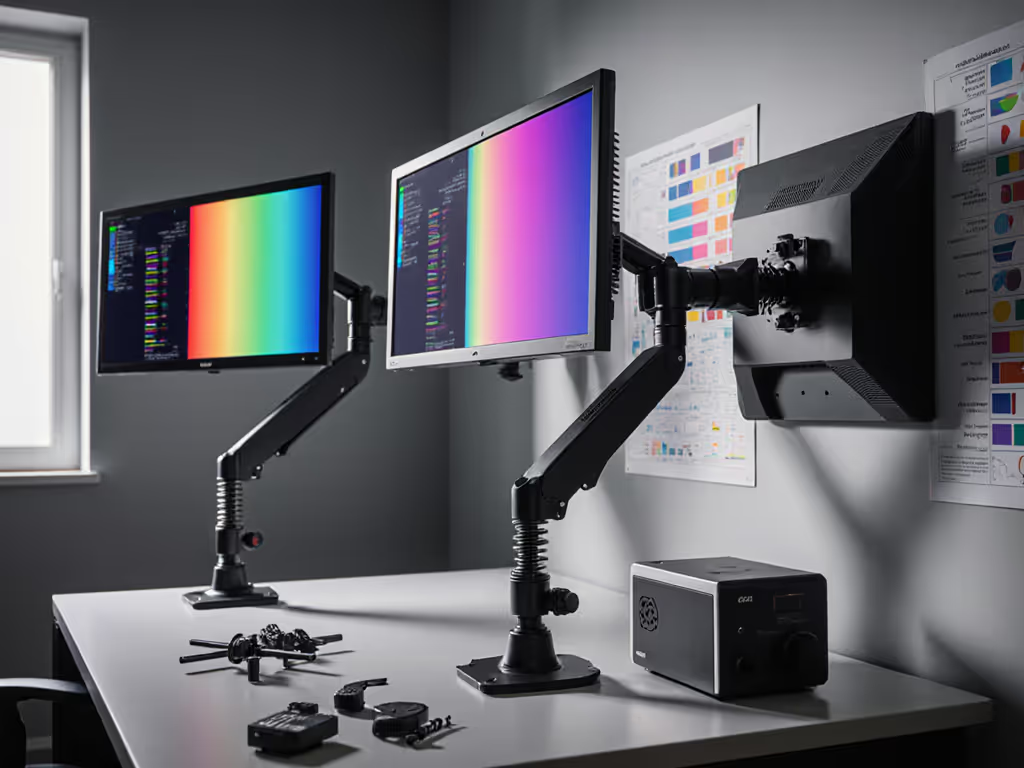
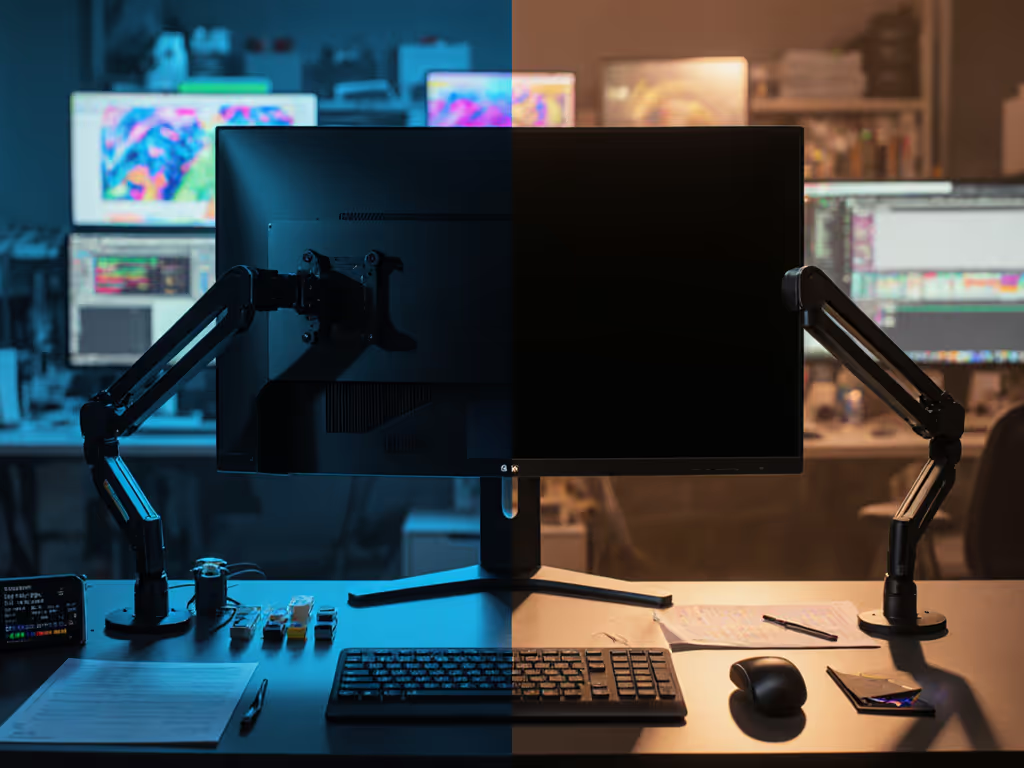
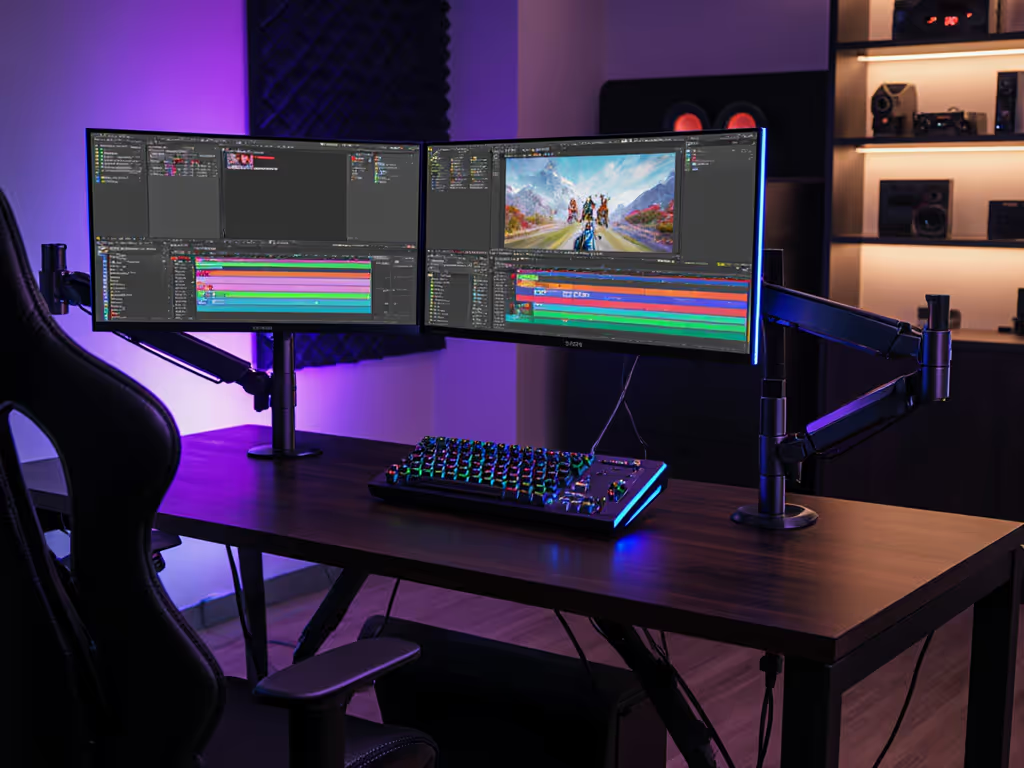
Monitor arm selection for color-critical work extends far beyond ergonomic comfort, it encompasses the mechanical foundation upon which color accuracy and calibration stability depend. When grading footage, retouching images, or proofing for print, even sub-perceptual motion in your display undermines the visual reference you have worked to establish. This article compares gas spring vs counterbalance technologies through a stability-focused lens, examining how each damping mechanism performs under real-world measurement conditions and what that means for your color workflow.
The Stability Imperative in Color-Critical Work
Color accuracy begins with a stable light path. When a monitor sits on a fixed stand, it presents a simple mechanical load: weight pressing downward onto a stable base. The moment you transition that same display to an articulated arm, the physics fundamentally shift. The monitor becomes a lever; your adjustment movements introduce torque and leverage, and any compliance in the arm's joints translates into micro-motion when you interact with your workstation.
During a particularly demanding grading session, I encountered a monitor arm whose joint tolerances had relaxed over months of use. As I scrubbed through color curves, the arm exhibited subtle sway, barely visible to the naked eye, yet enough to shift reflected ambient light across the panel's surface. The perceived blacks drifted; my color decisions, which had been locked to the calibration target, began to feel inconsistent. Isolating the problem revealed that mounting stability had as much influence on perceived color as the display's gamut or calibration accuracy. That experience crystallized a principle: treat mounts and light as part of your image pipeline.
Two primary damping systems dominate professional monitor arm design: gas spring and counterbalance mechanisms. For a practical buyer's overview, see our gas vs counterbalance arms. Understanding how each manages load, drift, and vibration is essential for anyone relying on their display as a reference instrument.
Gas Spring Technology: Load Compensation and Drift Risk
Gas spring arms use a sealed cylinder containing pressurized nitrogen to counteract monitor weight. As you lift the arm, the expanding gas provides lift assistance; as you lower it, the gas compresses to prevent free-fall. The mechanism is responsive, often enabling smooth single-handed adjustments, which accounts for their popularity in general ergonomic setups where ease of repositioning is valued.
However, gas springs introduce a specific mechanical vulnerability: drift over time. The seal integrity of the nitrogen chamber degrades gradually, particularly with frequent cycling and thermal cycling (which is common in busy studios with varying ambient temperatures and extended monitor usage). As internal pressure slowly decreases, the arm loses its ability to maintain set height without external support. Many users describe this as "creep": the monitor gradually drifting downward throughout a work session. If your arm starts to sag, our monitor arm maintenance guide shows how to adjust tension safely.
For ergonomic work, minor drift is tolerable and often goes unnoticed. For color work, this is problematic. A monitor that sinks 20 to 30 mm over the course of a morning subtly changes your viewing angle relative to eye level. Vertical angle shifts alter specular reflections and perceived luminance, particularly in the shadows and midtones. If you have calibrated your display at a specific viewing angle and distance, drift introduces a systematic deviation from your reference conditions. For panel-specific positioning tips that protect color fidelity, see our monitor viewing angles guide.
Additionally, gas springs exhibit micro-oscillation after adjustment. Once you release the arm, the internal gas pressure continues to stabilize, and compliance in the joints allows the monitor to undergo small damped oscillations before settling. While these oscillations typically decay within seconds, they are measurable and can be perceived as a subtle shimmer in fine detail, particularly problematic when examining high-frequency texture or attempting to judge uniform color across the panel.
Counterbalance Technology: Stability and Static Holding
Counterbalance arms employ a spring-loaded or friction-based mechanism (often a coil spring paired with friction washers or an adjustable tension knob) to balance the monitor's weight at multiple positions. Instead of relying on pressurized gas, these arms use mechanical resistance distributed across the arm's joints.
The primary advantage of counterbalance design is mechanical stability and predictability. Once you set the arm to your desired height and angle, the friction-based hold resists drift. There is no pressure decay; the mechanism does not degrade in a pressure-dependent manner. Many color-critical studios prefer counterbalance arms for this reason: the arm's position is "locked" by friction, not dependent on the integrity of a gas seal.
Counterbalance arms also exhibit minimal micro-oscillation. The friction damping is immediate; there is no secondary settling phase. Once you position the monitor, it remains stationary. For color work, this is valuable: your light path is fixed, your viewing geometry is constant, and external factors do not introduce unwanted micro-motion.
The trade-off is adjustment effort. Counterbalance arms typically require more deliberate hand force to reposition because you must overcome friction at each joint. For professionals who adjust their monitor multiple times daily, this can contribute to wrist fatigue. However, for studio setups where the monitor position is established during calibration and remains relatively static, this is a minor consideration.
Comparative Measurement Framework
Vertical Drift Over Time. Gas spring arms demonstrate measurable downward drift under constant load, often 2 to 5 mm per 100 hours of use under typical conditions. Counterbalance arms show negligible drift over equivalent periods. For a 24-inch monitor calibrated with its center at 15 degrees below eye level, a 5 mm drop translates to approximately 0.2 to 0.3 degrees of change, subtle but sufficient to alter perceived black levels in critical work.
Oscillation Decay Time. Gas spring arms exhibit damped oscillation with decay times ranging from 1 to 4 seconds depending on design and wear. Counterbalance arms typically stabilize within 100 to 200 milliseconds due to friction damping. For color grading where you are making frame-by-frame assessments, the difference is perceptual: gas spring residual motion can appear as a slight shimmering in the image, particularly at screen edges.
Load Holding Under Vibration. External vibration (keyboard impacts, mouse clicks, desk movement) introduces transient forces into the arm. Gas spring arms, with their compliant gas chamber, absorb and re-emit this energy as secondary oscillation. Counterbalance arms absorb vibration through friction dissipation, converting it to negligible heat. A monitor mounted on a counterbalance arm exhibits less visible motion when you are actively typing or manipulating peripheral devices. If your desk construction limits stability, compare attachment methods in our clamp vs grommet vs bolt mounting tests.
Environmental Sensitivity. Gas spring performance is temperature-dependent. Nitrogen pressure increases in warmer studios and decreases in cooler ones, subtly changing the lift characteristics and settling behavior. Counterbalance arms are thermally stable; friction characteristics remain consistent across typical ambient temperature ranges (18 to 28 degrees C). For color studios where environmental control is already a priority, this represents another variable eliminated from the workflow.
Implications for Color Calibration and Consistency
Color accuracy depends on stable reference geometry. For keeping profiles tight, use the right tools from our monitor calibration guide. Your display's factory calibration, ICC profile, and any applied hardware LUT curve are valid only when the monitor is viewed from the calibration distance and angle. Mechanical drift and oscillation degrade this stability.
When selecting an arm for color accuracy stability testing, prioritize arms with:
- Friction-based damping (counterbalance) over gas springs for static hold and predictability
- Multi-axis friction adjusters that allow you to dial in precisely the right resistance (stiff enough to prevent drift, smooth enough for deliberate adjustment)
- Verified weight specifications for your exact display, accounting for center of gravity; undersized arms exhibit greater compliance and drift
- Documented drift testing from the manufacturer or third-party ergonomic evaluations; reputable vendors supply this data
Counterbalance designs, while less fashionable than gas springs, are standard in professional color-grading facilities and print-production studios for this reason. Professional color calibration arms typically employ friction-based hold precisely because studio workflows cannot tolerate the drift and settling behaviors inherent in gas spring design.
Vibration Impact on Color Perception
Subtle arm motion affects perceived color through two mechanisms: specular reflection shift and temporal averaging in human vision.
When a monitor sways or oscillates, the angle of incidence of ambient light on the screen changes. If your studio has overhead or side lighting (even controlled lighting), oscillation causes the bright spots and reflections on the panel to move, effectively modulating the perceived highlight and shadow levels frame by frame. Your brain averages this modulation over the oscillation cycle, producing a subtle perceived color shift, particularly affecting blacks and near-blacks where reflection artifacts are most visible.
Second, arm vibration impact on color can manifest as flicker or jitter in gradients. When examining a smooth color transition on an oscillating display, the spatial frequency of the oscillation can interact with the gradient frequency, creating beat patterns or perceived non-uniformity. While your calibration target remains mathematically accurate, the perceptual reference degrades.
Counterbalance arms minimize these effects by eliminating both drift and residual oscillation. The result is a more stable perceptual reference, which translates directly into more consistent and confident color decisions.
Monitoring Drift: Practical Assessment
While professional measurement requires optical stability monitoring equipment, you can perform a practical monitor drift measurement assessment:
- Establish a stable reference. Mount a small crosshair or dot sticker on the wall directly behind your monitor at a fixed height corresponding to your monitor's center.
- Position the arm with your monitor center aligned to the reference point.
- Record the alignment photographically.
- After 4 to 6 hours of typical work (typing, cursor movement, clicking), check alignment against the photograph. Any visible vertical shift indicates drift.
- Repeat this assessment monthly over a 6-month period to establish drift rate.
This simple protocol will reveal drift patterns and help you determine whether your arm's damping mechanism is degrading.
Selection Guidance for Color Workflows
If your work involves color-critical tasks (grading, retouching, print proofing) prioritize counterbalance arms and request or verify the following:
- Friction damping across all joints (pan, tilt, height)
- Adjustable tension controls so you can dial in the exact resistance needed
- Independent measurement of drift rate, ideally under BIFMA G1-2013 ergonomics guidelines or equivalent
- Compatible weight rating for your monitor, with margin for future upgrades
- A warranty or service option for friction washer replacement (wear component)
For general office work or gaming where color stability is less critical, gas spring convenience may outweigh drift concerns. However, once drift becomes perceptible (typically after 6 to 12 months of use), the arm should be serviced or replaced.
Further Exploration
The intersection of mechanical stability, environmental control, and display calibration remains underexplored in consumer guidance. As remote and hybrid work grow, so does the need for stable, predictable home studio setups. Consider conducting your own stability audit: measure your current arm's drift, experiment with different damping mechanisms if feasible, and track correlations between mechanical stability and your subjective comfort with color decisions. The data you gather will inform not only your next purchase but also your studio's broader design.
Treat your monitor arm as an optical component, not merely a mechanical convenience. The difference between a drifting reference and a locked one is the difference between color decisions you second-guess and ones you trust.