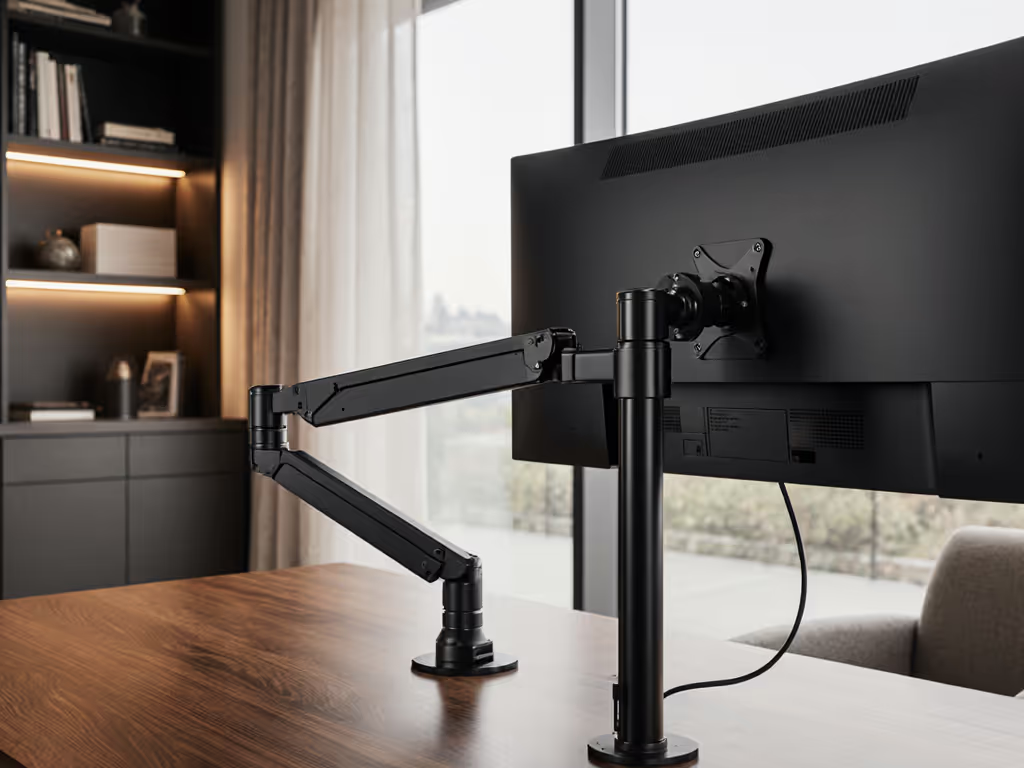
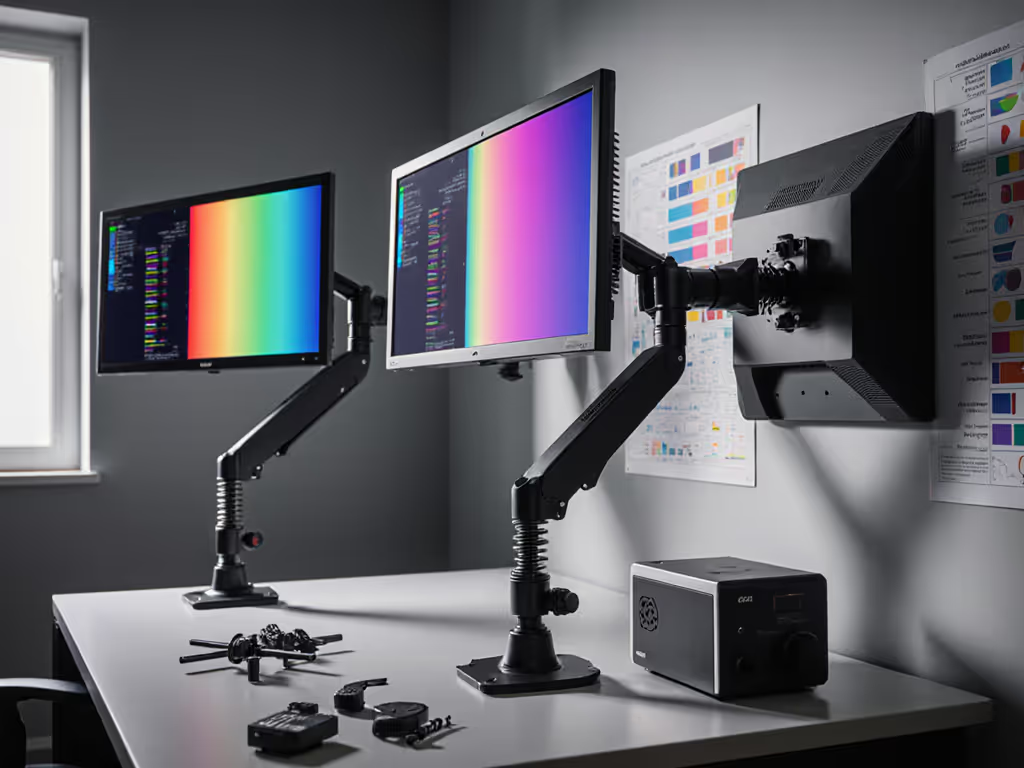
When you invest in a mounted monitor arm, you're not just buying a place to put your screen, you're purchasing posture, productivity, and long-term peace of mind. The right mounted monitor arm transforms your workspace from functional to frictionless, but too many professionals discover too late that their bargain purchase has turned into a costly replacement cycle. I've seen countless setups where users chased the lowest price only to face sagging joints, stripped threads, and mounting frustrations within months. The math is simple but often overlooked: the cheapest setup is the one you don't replace. Buy for the hinge, not the hype.
Why Most Monitor Arms Fail Your Future Self
I once saved money on a bargain arm for a midweight 27-inch monitor. Three months later, the tilt joint drifted, and re-tightening chewed the screw head. This experience taught me to map price against hinge design, materials, and warranties across dozens of models. Cheap arms fail because they sacrifice the very components that matter most: precision-engineered pivot points, hardened steel components, and thoughtful weight distribution. The result? You're not saving money. You're pre-paying for replacements.
Pay once for the hinge you'll never think about.
Modular mounted monitor arms address this fundamental flaw by separating the critical longevity components from the rest of the system. While budget arms integrate everything into a single, disposable unit, modular designs allow you to replace or upgrade individual components as your needs evolve. This isn't just smart engineering. It is fundamental value engineering.
The Modular Framework: What Actually Matters for Longevity
When evaluating a monitor mounting arm for future-proof value, focus on four critical elements that determine whether your setup will survive multiple monitor upgrades and workspace changes:
1. The Hinge Mechanism: Your Investment Anchor
The hinge, the pivot point where your monitor attaches to the arm, is the single most important component. Premium arms use gas spring vs counterbalance mechanisms that maintain position indefinitely, while budget models rely on simple friction points that degrade with use. Look for:
- Fully enclosed spring mechanisms (not exposed coil springs)
- Dual-axis tilt that maintains position without gradual drift
- Hardened steel pivot points with minimal play
- Serviceable components (replaceable springs or counterbalances)
2. Mounting System Flexibility
Your desk could change, your monitor size could increase, or you might need to switch from clamp to grommet mounting. A truly modular system accommodates these changes without requiring a full replacement. Not sure which base suits your desk? See our clamp vs grommet vs bolt mounting tests. Key features include:
- Interchangeable mounting bases (C-clamp, grommet, wall mount)
- Adapters for unusual desk profiles or thicknesses
- Tools for renters that don't damage surfaces
- Compatibility with standing desk crossbars
3. Weight Rating vs. Actual Performance
Manufacturer weight ratings often assume ideal conditions that don't match reality. For curved and ultrawide setups, check our stability-tested arm picks to avoid hidden sag. An arm rated for 22 lbs might sag with a 24-inch curved monitor that shifts center of gravity. Better arms provide clear specifications for:
- Maximum weight with optimal center of gravity
- Performance metrics at 75% of maximum rating
- Stability measurements at full extension
- Real-world testing data for ultrawide and curved displays
4. Upgrade Pathways for Future-Proofing
The most valuable monitor arms aren't just durable, they're designed to evolve with your needs. Look for systems that offer:
- Expansion kits for adding second or third monitors
- Arm extensions for deep desk configurations
- Compatibility with third-party accessories
- 3D-printable monitor components for custom solutions
Tiered Recommendations: Avoiding False Economies
When building your personalized workspace solutions, don't fall into the race-to-the-bottom trap. Instead, consider these tiered recommendations based on price-to-performance ratios and long-term value metrics.
Budget Tier ($50-$100): Limited Lifespan, Maximum Risk
At this price point, you're getting basic functionality with significant compromises. These arms typically feature:
- Single-point friction adjustments (no true counterbalance)
- Thin gauge steel that bends under load
- Integrated mounting systems that can't be upgraded
- Minimal warranty coverage (if any)
While tempting for temporary setups, these arms represent textbook false economies. The math shows that replacing a $70 arm every 18 months costs more over 5 years than investing in a quality arm initially. Warranty caveats are particularly egregious here. Many budget arms have warranties that exclude "normal wear and tear," effectively rendering them meaningless.
Mid-Range Tier ($100-$250): The Sweet Spot for Most Users
This is where you find true modular value, arms engineered for longevity with thoughtful upgrade paths. Key characteristics include:
- Gas spring mechanisms that maintain position indefinitely
- Interchangeable mounting bases
- Modular arms that can be extended or reconfigured
- Comprehensive warranty (3+ years) with clear coverage
For knowledge workers, creatives, and gamers, this tier delivers the best balance of features and longevity. These arms typically support user-modifiable mounting systems that allow you to adapt to changing desk setups or monitor upgrades without replacing the entire system.
Premium Tier ($250+): Enterprise-Grade Future-Proofing
Professional studios and frequent upgraders benefit from premium arms that offer:
- Fully serviceable components (replace individual parts)
- Industry-leading weight capacity with stability metrics
- Advanced cable management systems
- Extended warranties (5+ years) with clear replacement policies
The premium tier isn't about luxury. It is about eliminating replacement cycles entirely. These arms are engineered as permanent infrastructure for your workspace, with personalized workspace solutions that adapt to your evolving needs.
Future-Proofing Your Investment: Beyond the Initial Purchase
The true value of a modular mounted monitor arm reveals itself over time. Consider these scenarios where modularity pays dividends:
- Monitor Upgrade Path: Swapping from a 24" to 32" display without replacing your entire arm system
- Desk Configuration Change: Moving from a static desk to a standing desk without new hardware
- Workspace Expansion: Adding a second monitor using your existing base and mounting system
- Technology Shifts: Accommodating thicker bezels or new mounting standards without full replacement
When manufacturers design for serviceability and compatibility, you unlock significant long-term savings. If you're unclear on standards, start with our VESA mount compatibility guide. I recently calculated that a $180 modular arm with a 5-year lifespan and upgrade capability delivered a 37% lower total cost of ownership compared to replacing three $70 budget arms over the same period.
Making Your Decision: Simple ROI Framing
When evaluating monitor arms, shift your thinking from "what's the lowest price today" to "what delivers the best value over time." Apply this simple framework:
- Calculate Replacement Frequency: Budget arms typically last 12-18 months; quality arms last 5+ years
- Factor in Hidden Costs: Time spent readjusting, returns, shipping heavy items back
- Consider Future Needs: Will this work with your next monitor? Your next desk?
- Evaluate Warranty Terms: Read the fine print on coverage limitations
Clear sourcing matters too. Reputable manufacturers publish detailed specifications, not marketing fluff. Look for:
- Exact spring compression specifications
- Material thickness measurements (not just "heavy duty")
- Third-party testing data for stability
- Service manuals and parts diagrams
If a manufacturer won't share engineering details, they're probably cutting corners somewhere that will affect longevity. And once installed, proper monitor arm maintenance and tension adjustment preserves performance for years.
Conclusion: Building Your Last Monitor Arm
Your monitor arm shouldn't be an afterthought. It should be the foundation of your workspace. By prioritizing modular design, quality hinge mechanisms, and legitimate upgrade paths, you can create a setup that evolves with your needs rather than forcing you into recurring replacement cycles.
The next time you're comparing options, remember my hard-learned lesson: that bargain arm might save you $50 today, but it'll cost you three times that in replacements and frustration over the next few years. When you avoid false economies in your workspace infrastructure, you're not just buying hardware, you're investing in uninterrupted productivity and ergonomic comfort for years to come.
What's your experience with monitor arms? Have you found modular solutions that have stood the test of time? Share your setups and lessons learned in the comments. We're all learning how to build better workspaces together.