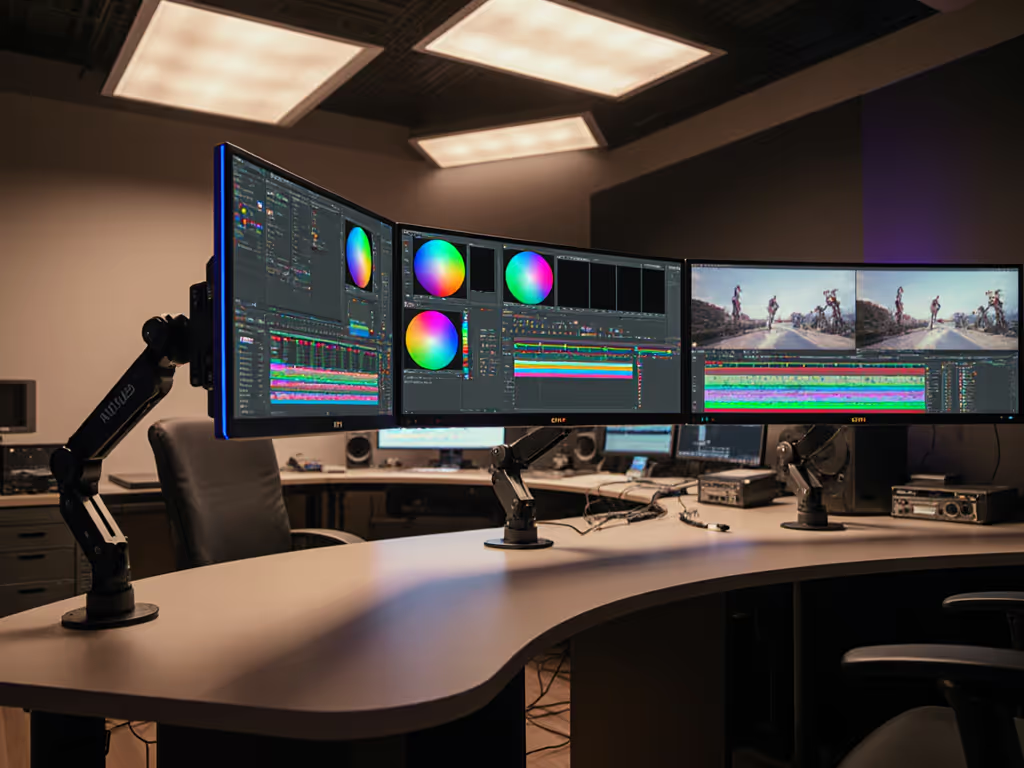
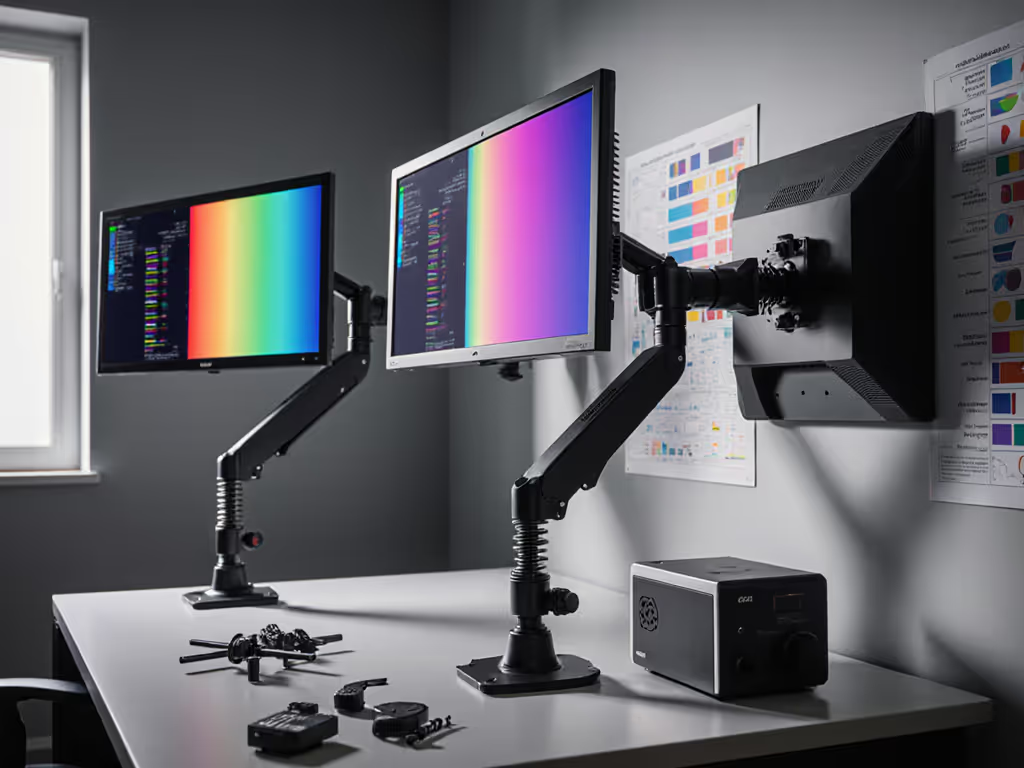
In the precise world of film production, monitor stability and positioning are as critical as color calibration for accurate image assessment. For pro studios, see our home office vs studio monitor arms comparison detailing durability and precision differences. When grading footage or reviewing dailies, even sub-millimeter vibrations can distort perceived shadows and highlights. The right mounting solution transforms your display from a passive output device into a reliable reference instrument. Let's dissect the key engineering considerations for professional-grade monitor installations in production environments.
Mounting Physics and Color Fidelity
Monitor stability directly impacts color perception during critical image evaluation. Vibration, whether from table contact, cable strain, or HVAC systems, introduces micro-movement that shifts reflections across the screen surface. This movement creates illusory luminance shifts in shadow regions and affects grayscale tracking accuracy. For example, a monitor arm with inadequate torsional rigidity may exhibit:
- Angular deflection during panel operation (especially touch interfaces)
- Resonance frequency issues from nearby low-frequency sounds
- Creep deformation over time under heavy displays
The solution lies in mounts featuring:
1. Machined aluminum joints (not cast) with torque-lock mechanisms
2. Independent gas spring modules per articulation point
3. Stainless steel cable management channels
These elements collectively dampen harmonic vibrations below 5 Hz (the threshold where human vision detects motion interference during static image analysis). Stability isn't just convenience; it's a measurable component of color accuracy.
Mount Classifications by Workflow Stage
Dailies Review Stations
Require rapid height/angle adjustments for collaborative sessions. Prioritize:
- Pan-and-tilt brackets with 15-second repositioning
- Horizontal extension >800mm for client viewing angles
- Transient load capacity 30% above monitor weight
Final Color Grading Suites
Demand absolute stability for sustained evaluation. Verify fit early with our VESA mount compatibility guide. Essential features:
| Feature | Specification | Purpose |
|---|
| VESA interface | MIS-F 100x100 to 600x400 | Universal compatibility |
| Resonance frequency | >12 Hz | Rejection of ambient vibration |
| Static load capacity | 2x monitor weight | Safety margin |
| Cable integration | Full-length conduit | Eliminates point-load strain |
VFX Workstation Note: Multi-monitor arrays require synchronized articulation. Consider motorized systems with position memory for consistent alignment across displays.
Environmental Integration Parameters
Mounts must coexist with critical grade viewing conditions:
Bias Lighting Alignment
- Mounts should permit 70mm rear clearance for D65 backlight strips
- Avoid designs with rear crossbars that cast uneven illumination For implementation specifics and D65 targets, review our bias lighting benefits guide.
Ergonomic Positioning
- Articulation must achieve SMPTE-recommended viewing distance:
$$ \text{Viewing Distance} = 3 \times \text{Vertical Screen Height} $$
- Height adjustment range: 150mm below to 300mm above eye level
Wall-mount solutions require special consideration for vibration transmission. If structural transmission is a concern, see our vibration-resistant industrial arms testing for damping options. Install isolation platforms with:
- Sorbothane pads (50-70 durometer)
- Kinematic mounting principles
- Resonance frequency below building structural frequencies
Calibration Preservation Techniques
Monitor positioning affects calibration integrity through:
Thermal Management
- Mounts must maintain 25mm airgap around display vents
- Vertical orientation preferred for convection cooling
Avoiding Magnetic Interference
- Steel components must maintain >150mm distance from CRT displays
- Use non-ferromagnetic alloys (6061-T6 aluminum preferred)
Calibration drift tests should include:
- Full articulation range sweeps
- Vibration stimulus at 4-8Hz
- Thermal load testing at maximum brightness
Industrial Solutions for Production Environments
On-Set Cart Systems
- Pneumatic height adjustment for uneven terrain
- Vibration-damped wheels with position locks
- Environmental rating IP54 or higher
Permanent Suite Installations
- Overhead rail systems with counterbalanced arms For mechanism selection, see gas spring vs counterbalance arms for ideal use cases.
- Seismic restraint kits for earthquake-prone regions
- Integrated cable elevators preventing copper fatigue
Stability Validation Protocol
Quantify mount performance with:
# Vibration assessment pseudocode
def measure_stability(monitor_mass, mount_stiffness):
 natural_frequency = sqrt(mount_stiffness / monitor_mass)
 return natural_frequency > 12 # Minimum threshold in Hz

def test_impulse_response(arm_assembly):
 apply_force(5N, 0.5s)
 return time_to_stabilization < 0.2s # SMPTE tolerance
Future-Proofing Considerations
- Weight headroom: 50% above current display specs
- VESA pattern compatibility: 200x200mm to 800x400mm
- Material fatigue life: >100,000 motion cycles
- Dimensional tolerance: <0.5mm joint play
A truly professional setup recognizes that color accuracy begins with mechanical integrity. The interaction between panel, mount, and environment forms an optical system that must be engineered as holistically as a lens assembly. As display technologies advance toward 10,000-nit HDR and 8K resolution, mounting systems become the foundational element preserving their creative potential.
For those developing studio infrastructure, I recommend conducting structural resonance mapping before display calibration. The pursuit of perfect images starts with eliminating variables that shouldn't exist. Remember: stability isn't just a convenience, it is a spec that belongs on your equipment checklist.
Further Exploration: Investigate modal analysis tools like laser vibrometers for quantifying your current setup's stability. Document baseline vibration signatures before and after mount upgrades to measure true performance gains.