VR Monitor Accessories: Setup That Lasts
By Ravi Patel • 15th Mar
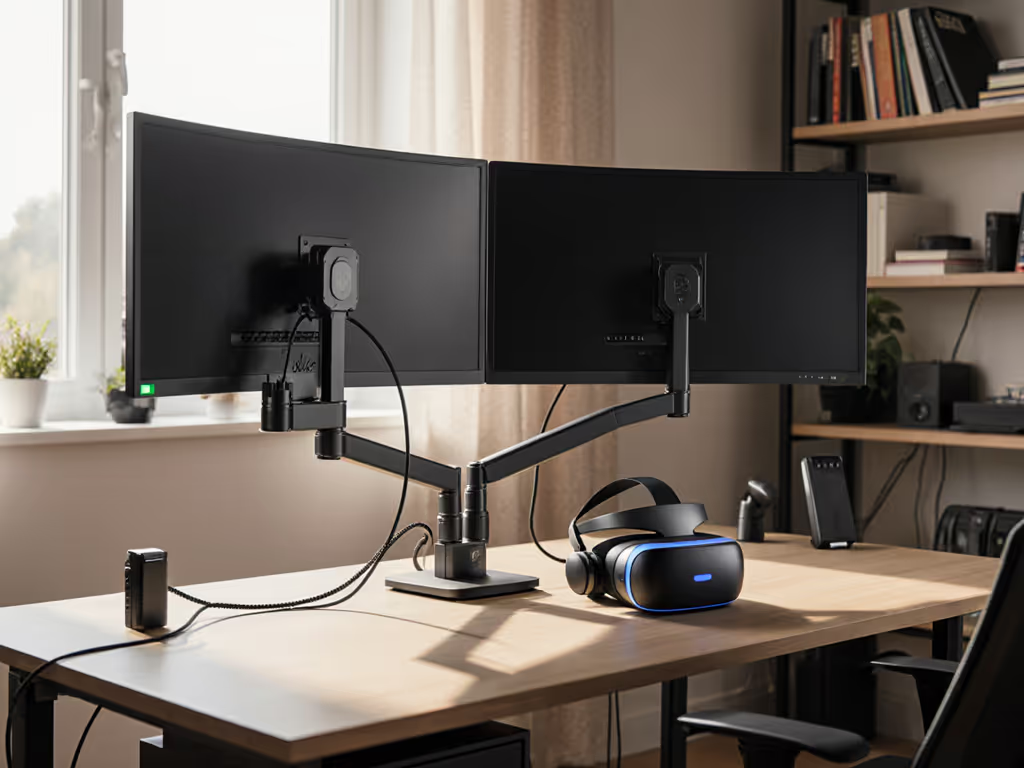
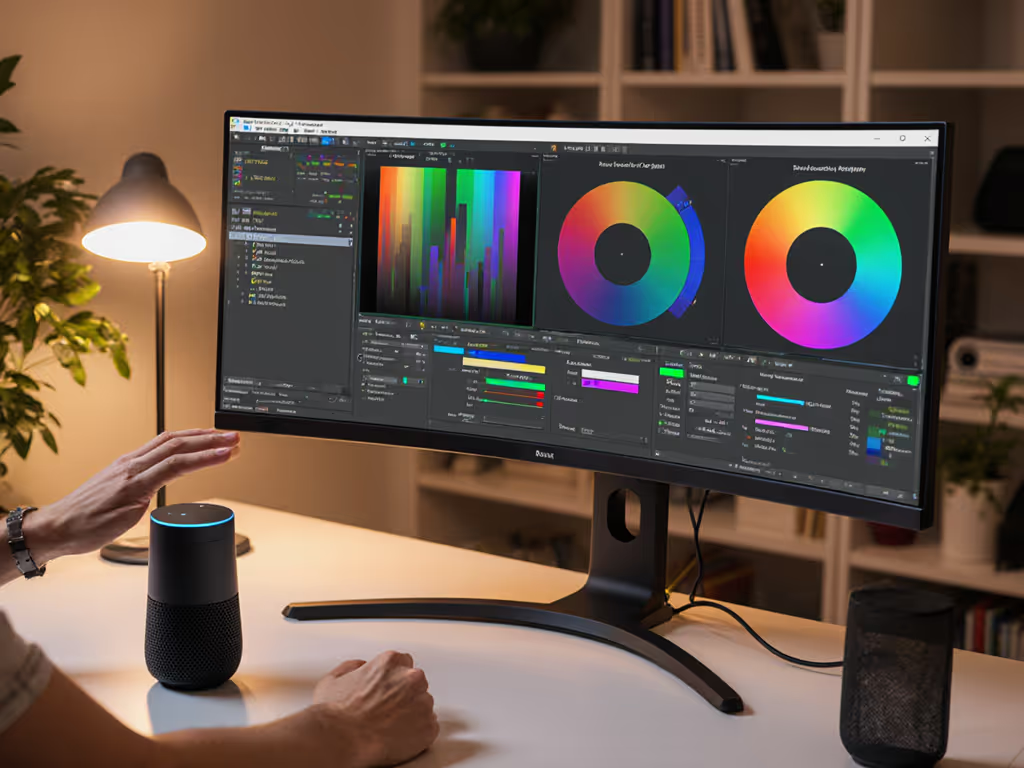
VR monitor accessories and AR workspace integration have moved from niche gaming peripherals into legitimate productivity infrastructure. But most buyers treat them like disposable add-ons, then watch them fail, sag, or become incompatible within months. The real cost isn't what you pay upfront; it's what you pay to replace it.
I learned this the hard way years ago when I grabbed a bargain arm for a 27-inch curved display. Three months in, the tilt joint drifted. Re-tightening stripped the screw head entirely. A week of downtime and a replacement purchase later, I realized I'd been optimizing for price instead of permanence. That's when I started mapping spatial computing monitor setup against hinge design, material specification, and warranty terms. The pattern became clear: the cheapest setup is the one you don't replace.
Here's how to build infrastructure that holds value (and your display) through the years ahead.
Why VR Workspace Accessories Demand Durability Engineering
VR and mixed reality workflows are different from traditional dual-monitor setups. For positioning, routing, and stability specifics in mixed reality, see our VR/AR workspace integration guide. Your mixed reality desk configuration sits somewhere between stationary studio gear and portable consumer electronics. You're adding headsets to a desk already hosting a primary monitor, docking station, and cable ecosystem. Weight distribution, cable stress, and thermal management all matter more when your desk is doing triple duty.
The risk is higher. A sagging arm doesn't just look bad, it creates eye strain in a day and chronic neck pain in a week. A failed cable or mount can take your entire workspace offline. And unlike a single consumer device, your setup involves interdependent systems: if one component fails, the workflow collapse is exponential.
That's why I prioritize specifications that predict longevity.
Core Accessory Categories and Value Anchors
1. Monitor Arms and Positioning Systems
Start with weight capacity, not price. A monitor arm rated for 8 kg will hold a 7 kg display, until it won't. Budget models often specify maximum weight in ideal lab conditions: centered load, horizontal tilt, zero cable drag. Real life is messier.
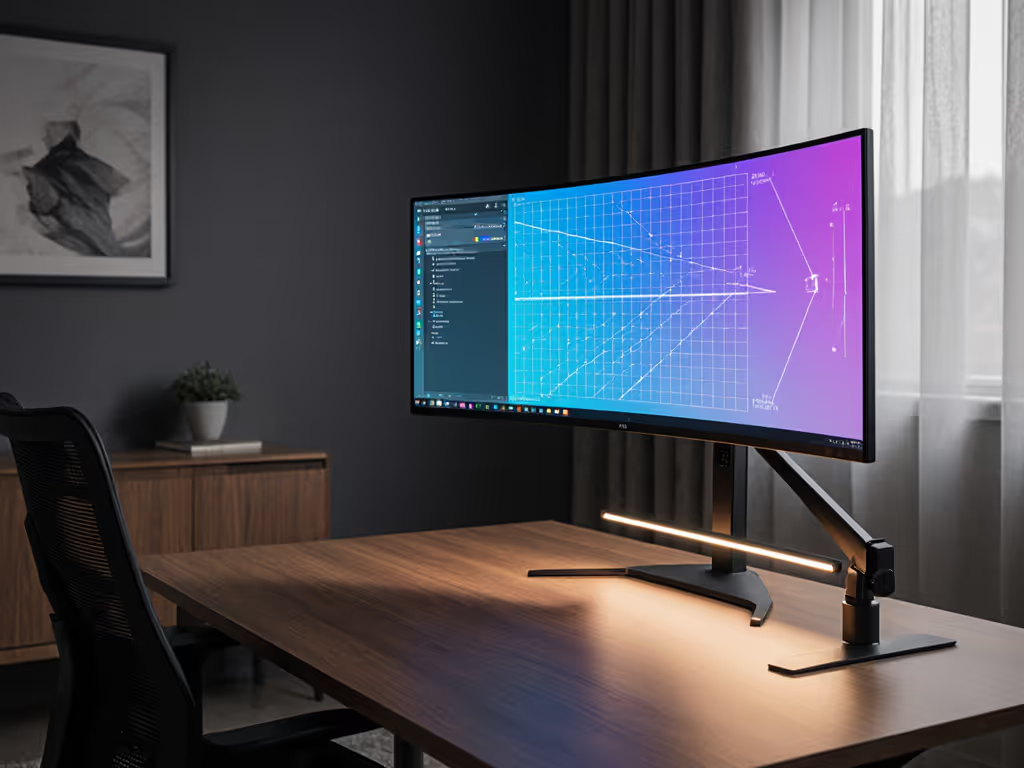
Curved and ultrawide panels add lateral stress the manufacturers downplay. A 34-inch curved display creates rotational torque that vertical VESA models struggle with. Verify the arm's center of gravity (CoG) specification, not just max weight. If the spec sheet doesn't list CoG, assume the vendor hasn't engineered for it.
Quality hinges use ball bearings or friction cartridges rated for 100,000+ cycles. Cheaper arms use friction surfaces that compress, causing drift. That drift forces re-tightening, which strips bolts. You're then in a degradation loop that ends in replacement.
Look for:
- VESA 75×75 or 100×100 compliance with explicit center-of-gravity load testing data
- Sealed hinge mechanisms to prevent dust ingress and lubricant breakdown
- Modular base systems (grommet, clamp, or wall-mount variants) so you're not re-buying the arm if you move desks
- Bolt material and torque specs: stainless steel with lock-washer documentation
2. VR Headset Cable Management
This is the category where short-term thinking destroys long-term value. VR headsets demand high-bandwidth video and USB power delivery over single cables. That cable experiences flex stress constantly. Your head motion, cable routing, and desk repositioning all work against it.
Stock headset cables are often rated for 1000-3000 hours of active use. In a 40-hour work week, that's 6-18 months. But the failure isn't graceful: intermittent dropout, then total loss, right when you're deep in a workflow.
Invest in:
- Certified replacement cables rated for your headset (PS VR, Meta Quest, HTC, Valve Index) with at least 5000-cycle flex rating
- Right-angle connectors to reduce hinge-point stress at the headset jack
- Cable conduit or spiral wrapping to prevent kinking; kinks create internal wire breaks that take weeks to manifest
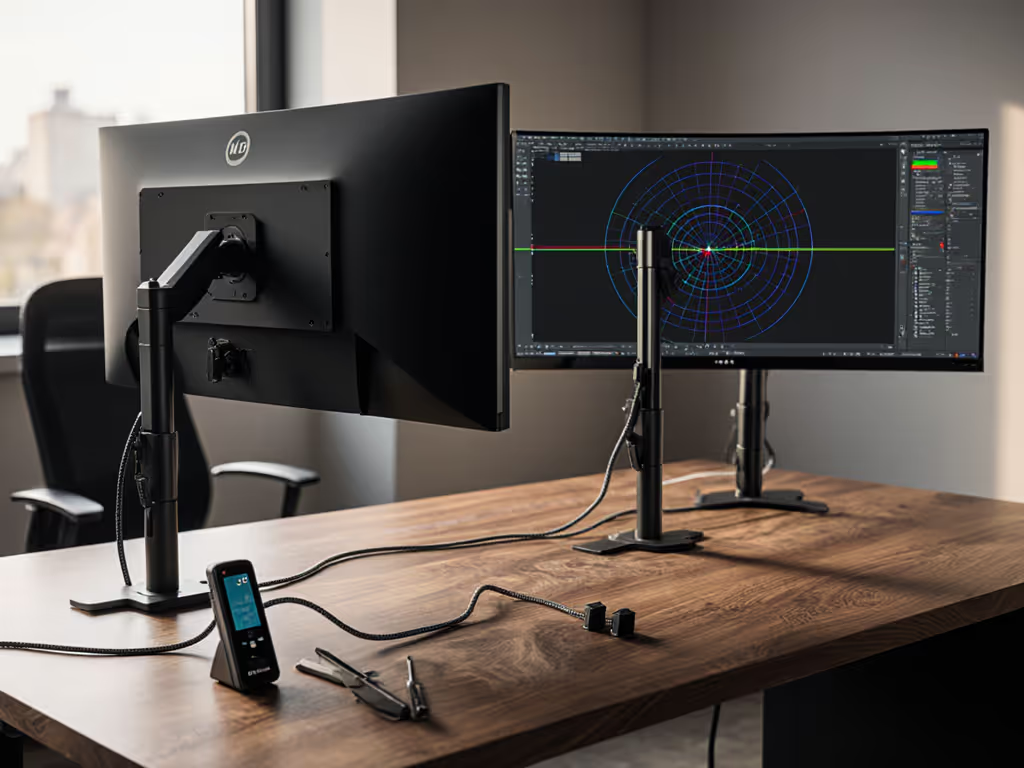
- Routed tension-relief systems that anchor the cable to your desk arm or monitor, not to the headset itself
A $40 aftermarket cable with proper strain management will outlast a $12 generic replacement by a factor of 10. You'll replace it zero times instead of three times.
3. Docking and Hub Infrastructure
VR workspace integration often means your laptop connects to your monitor, headset, and peripherals through a single hub or dock. If you need high-bandwidth video plus reliable power in one cable, start with our Thunderbolt 5 dock picks verified for multi-display stability. This is where power delivery (PD) wattage, USB version (3.1 Gen 2 vs. 3.2), and Thunderbolt vs. USB-C ambiguity create real-world failure modes.
The most common mistake: buying a 60W PD dock to charge a 96W laptop. It charges slowly, creates thermal stress, and shortens battery longevity. Within two years, you've replaced the dock and degraded your laptop's power system.
For AR display positioning and multi-monitor work, hub designs matter. Hubs that split USB and video across multiple downstream ports often introduce handshake delays: black screens on wake, slow device recognition, or dropped video feeds during hot-plug events. Industrial-grade hubs use dedicated chipsets (not daisy-chain logic) and pass-through power at rated amperage without drooping.
Verify:
- PD wattage matches your heaviest device: laptop, headset charger, and peripherals should fit within the rated budget with headroom
- Video protocol support: Ensure your dock passes DisplayPort 1.4 HBR3 or HDMI 2.1 without signal conditioning; adapters downgrade both
- USB hub topologies: Host controllers should be independent per port bank, not cascaded
- Warranty on power delivery circuits: those are the first to fail under thermal stress
4. Cable Routing and Power Distribution
Cable clutter accelerates failure. When cables bunch, tangle, and flex against desk edge, insulation wears through. When power strips sit jammed under desks with too many devices, thermal stress shortens component life. This sounds cosmetic (it is not). For step-by-step routing that reduces flex and heat, use our monitor cable management guide.
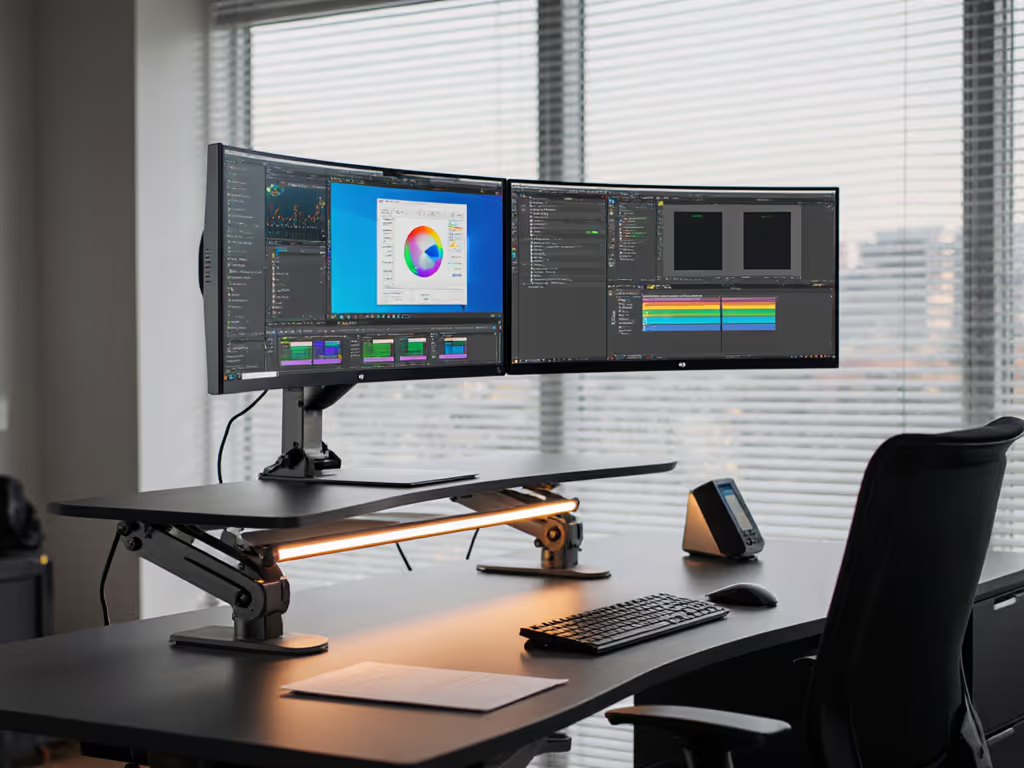
A height-adjustable desk amplifies this. Every time you move the desk up or down, cables flex at anchor points. Over a year of daily adjustments, that's thousands of micro-movements. Cheap cable channels can't flex; they crimp and kink. Good ones use spiral nylon or silicone and route cables with loop slack at connection points.
Recommended investments:
- Angled power strips rated for 15A continuous with surge protection and thermal cutoff (these actually prevent fires)
- Modular cable trays that attach to monitor arms or desk legs, keeping cables off the surface
- Quick-disconnect connector panels so you're not flexing actual headset or dock cables every time you dock or undock
- Cable labels and strain-relief clips positioned to distribute force across inches, not millimeters
5. Thermal and Environmental Protection
VR hardware generates heat: headsets, docks, and hubs all radiate when active. Heat degrades capacitors, accelerates component aging, and reduces PD efficiency (creating a feedback loop where efficiency loss creates more heat).
If your desk is in direct sunlight, near a heating vent, or in a warm climate, thermal management becomes cost-critical. A $15 desk fan positioned to blow across your dock adds years to its lifespan and costs far less than replacement.
Likewise, dust ingress is cumulative. VR headsets with fabric face interfaces collect dust, which blocks cooling vents. Cable connectors oxidize when exposed to humidity swings (apartment heating in winter, A/C on max in summer). These aren't dramatic failures, they are slow degradation that manifests as intermittent issues, then replacement-level failure.
Invest in:
- Protective dust covers for headsets stored long-term
- Desiccant packs in storage containers or sealed bags during off-season
- Ventilation space around hubs and docks (minimum 3 inches clearance on all sides)
- Silicone port covers for USB-C and other connectors left unused in daily rotation
The Modular Path: Future-Proofing Your Investment
VR technology evolves faster than monitor standards. Your current headset won't be your headset in three years. Your laptop OS might change. Your desk might move to a new apartment with different clamp constraints.
Build for modularity:
- Choose universal mounting standards (VESA is king, but verify compatibility explicitly)
- Prioritize replaceable components (cables, adapters, base systems)
- Buy docks with certified multi-OS support (Windows, macOS, and Linux stubs where relevant)
- Select arms with modular base systems (grommet, clamp, or wall-mount all compatible with the same upper assembly)
- Document cable and connector specs as a reference for future upgrades
Pay once for the hinge you'll never think about. A $180 arm with a sealed ball-bearing hinge and stainless fasteners pays dividends through three desk relocations, two monitor upgrades, and countless cable swaps. A $45 arm will need replacement before your first monitor leaves warranty.
Warranty and Support as a Value Signal
When a vendor offers a 3-year warranty with documented hinge-life testing and thermal stress data, they're signaling confidence. When they hide behind a 1-year generic warranty with no published specifications, they're pricing for planned obsolescence.
Always check:
- Hinge/bearing cycle ratings (published, not inferred)
- Thermal operating range for hubs and docks
- Cable flex-cycle ratings for replacement accessories
- Return and warranty claims process: if it requires shipping at your cost, the vendor is betting you won't claim it
- Parts availability: Can you buy a replacement hinge bolt or hinge cartridge three years from now, or is the entire arm discontinued?
Building Your Tier-Based Upgrade Path
Most VR workspace builds fail because buyers treat the monitor arm, dock, and cables as interchangeable. They're not.
Tier 1 (Foundation): Quality arm, industrial-grade dock, premium cables. Budget $400-600 for arm/cable systems + $150-250 for dock infrastructure. This is your non-negotiable layer. It doesn't age out.
Tier 2 (Workflow Expansion): Additional display, headset-specific routing solutions, thermal management. These scale with your work volume, not your budget pressure.
Tier 3 (Specialization): Color-grading hoods, VRR-capable switch hardware, multi-OS support layers. Add these only when your workflow demands them.
The mistake is flipping this. Buyers load up Tier 3 add-ons over a shaky Tier 1 foundation, then watch the whole structure fail.
What to Test Before You Finalize
Before committing, simulate three scenarios:
- Full-load cable flex: Connect all cables, move your display arm through its full range (up, down, tilt, rotate) 20 times. Watch for strain points or connector movement.
- Thermal soak: Run your dock and headset at full power for 2 hours. Touch the case surface: it should be warm, not hot. If it's too hot to hold for 10 seconds, thermal management is inadequate.
- Disconnection cycle: Dock, undock, and re-dock your laptop or headset 10 times in sequence. If you see black screens, delayed video, or USB re-enumeration, the hinge or connector has poor contact.
If any of these reveal issues in the first week, return immediately. If they fail after month two, you've confirmed the design can't sustain your workflow.
The True Cost of Permanence
Building for durability costs 30-50% more upfront than buying the cheapest option. That's a hard pill for anyone on a budget. But over a five-year horizon, buying once costs less than buying three times (financially and in time). No research loops. No returns. No desk downtime.
Your setup should be boring in the best way: infrastructure so reliable you stop noticing it exists. You notice broken things. Durable things disappear into your workflow.
That's the design target. That's where permanent value lives.
Next Steps: If you're starting a VR workspace build, document your desk constraints (width, depth, clamp compatibility), monitor specs (weight, VESA pattern, curve radius), and cable ecosystem first. Use those as your filter, not price. Then verify hinge design and warranty terms on your shortlist. One correct choice now beats three wrong ones later.
Related Articles