Understanding Your Trading Environment First
Before you invest in a crypto trading monitor setup or stock market monitor accessories, you need to understand what you're actually looking at. The nature of each market dictates the information density, update frequency, and stability demands placed on your display hardware.
Crypto trading operates 24/7 with volatility that can reach 10% or more in a single day[2][4]. Stock trading, by contrast, operates on structured exchange hours with lower inherent volatility, though individual stocks can still move sharply during earnings reports[1]. This fundamental difference ripples through every choice you'll make about your monitor setup, from refresh rates to multi-display architecture.
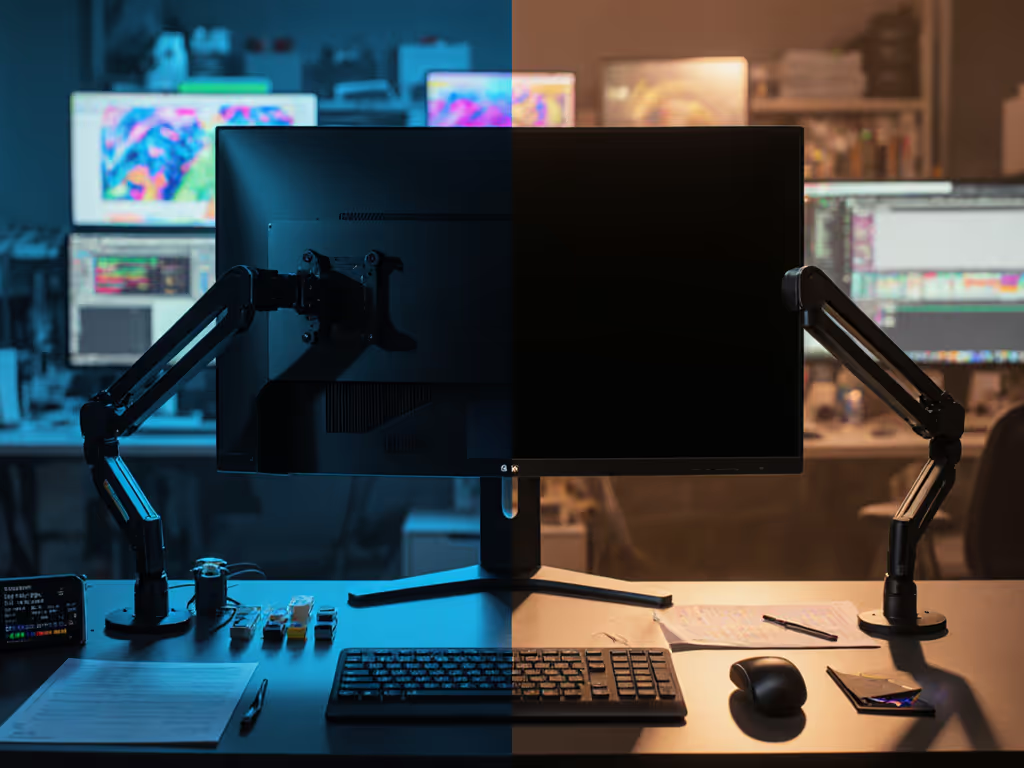
Your trading environment isn't just about software or portfolio size. It's about the physical apparatus that translates market data into visual information you act on, and that apparatus must be as stable and predictable as your data feeds. Color accuracy also depends on the mount, the cables, and the light.
FAQ: Specs & Setup Requirements
What Resolution and Refresh Rate Do I Actually Need?
For stock trading: 1440p at 60Hz on a 24-27" primary display is sufficient for most scenarios[1]. Stock charts change at human decision-making speed. You're analyzing candlestick patterns, earnings calendars, and sector rotations. You don't need sub-frame latency. What you do need is clarity on small text, ticker symbols, price levels, bid-ask spreads, rendered without degradation across an 8-10 hour workday.
For crypto trading: 1440p at 120Hz minimum on a 27" display is more defensible. Crypto markets exhibit rapid sentiment shifts and flash-move events. Order books update constantly. Slippage happens in milliseconds. While you're not gaming, the visual feedback loop between order placement and execution should feel responsive. A 60Hz display adds 16.67ms of latency per frame; at 120Hz, that's 8.33ms. In high-volatility moments, that millisecond difference between screen refresh and your decision-making rhythm matters.
Supporting detail: Both setups benefit from 95-110 DPI displays (typically 24-27" 1440p or 27" 4K). Avoid ultra-high DPI (>120 DPI) unless your OS and trading platform guarantee crisp text scaling; many financial dashboards still assume Windows DPI-awareness quirks[4].
Should I Use One Monitor or Multiple Displays?
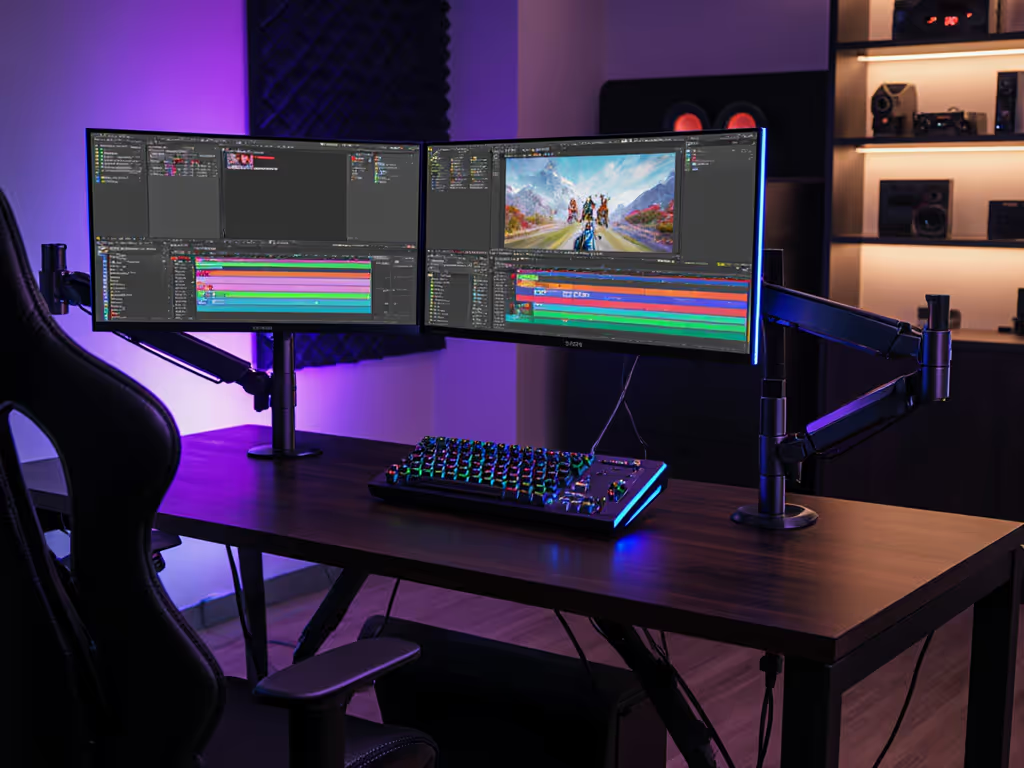
For stock trading: A two-monitor setup is the professional baseline. Mount your primary 27" display at eye level for intraday charts and watchlists. Use a secondary 24" display (rotated to portrait, if space allows) for news feeds, economic calendars, and messaging. If you're rotating a display, see our portrait monitor mounts guide. Both can run at 60Hz. The psychological benefit of segregating action (charts) from information (news) reduces decision fatigue over a full session[5].
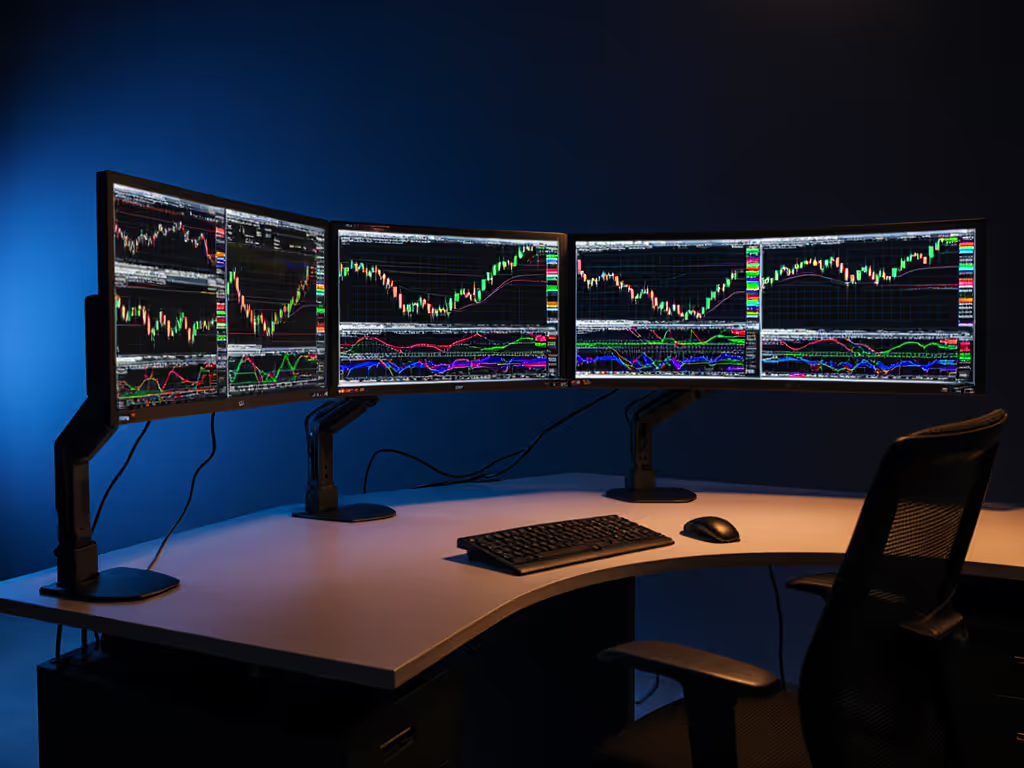
For crypto trading: A three-display configuration becomes practical. Primary display: active order book and real-time data display requirements for your exchange (Binance, Coinbase, Kraken dashboards demand sub-100ms update cycles). Secondary display: longer-term chart analysis across multiple timeframes. Tertiary display: risk management and portfolio allocation tracking. If you're running a bot or automated strategy, a fourth display for system logs and alert monitoring is justified.
Critical caveat: Each additional monitor introduces cable management complexity and power draw. Get pro-level routing and aesthetics from our monitor cable management guide. Ensure your power supply, dock, or USB-C hub can sustain all peripherals without voltage sag, because a loose cable or underpowered downstream hub will cause intermittent wake-from-sleep failures or flicker, exactly when you need stability[1][4].
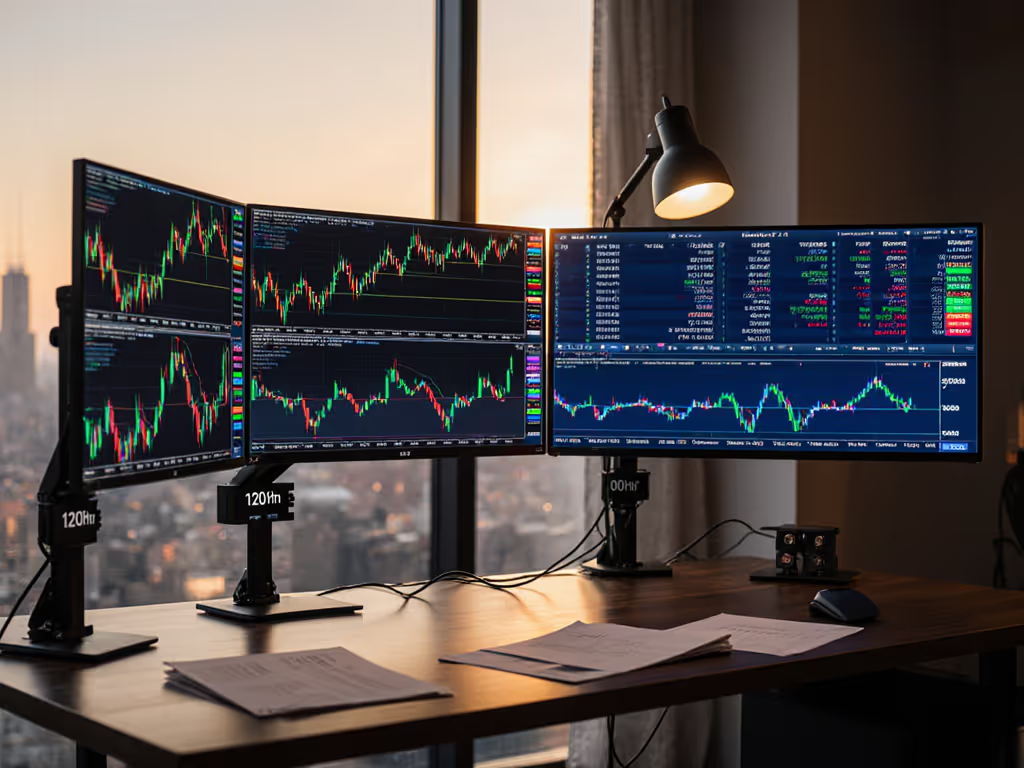
What About a Multi-Monitor Trading Workstation Layout?
Desk depth is your constraint. A multi-monitor trading workstation with proper ergonomics demands at least 32" of depth (front monitor edge to screen's vertical tangent). Shallow desks force you too close to screens, amplifying eye strain and the optical distortion introduced by monitor curvature.
Arrange displays by data hierarchy, not aesthetics:
- Primary (center, eye level): Active position or order book. For stock traders, the most volatile holding or sector. For crypto, the exchange interface or leveraged position you're monitoring.
- Secondary (upper-left or right): News, alerts, or longer-term timeframes. Angled 15-20° inward to reduce neck rotation.
- Tertiary (lower, if used): System status, calendar, risk metrics. Only if you have the viewing angle to glance without head movement.
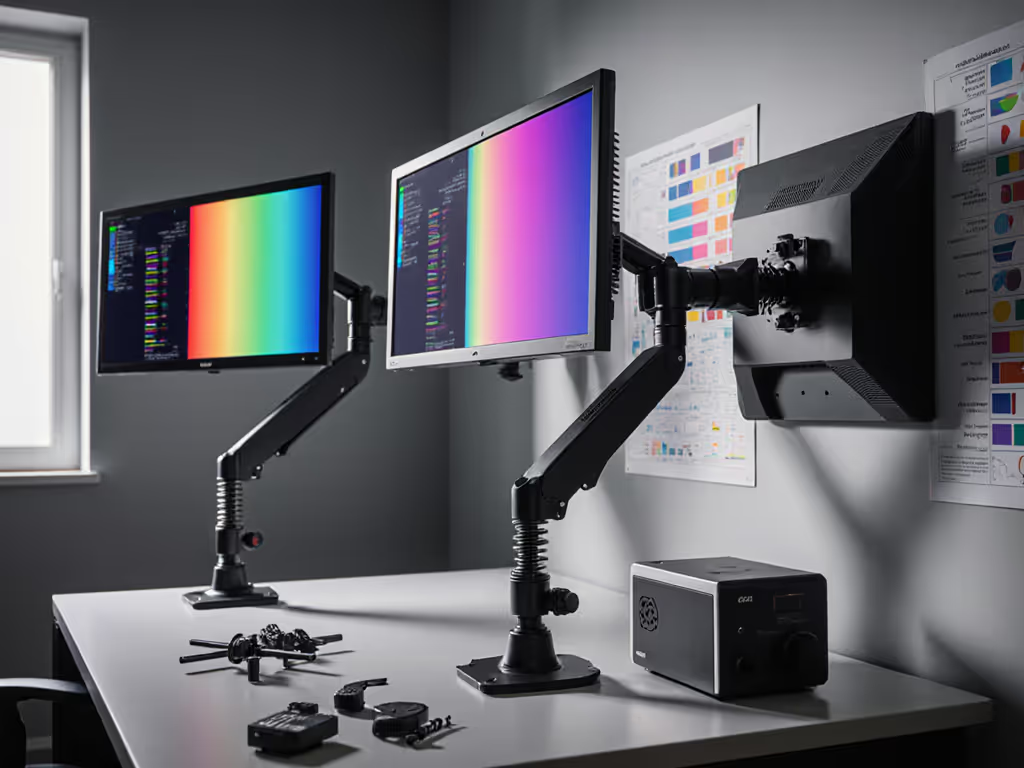
Mount stability is non-negotiable. I once worked with a loose monitor arm that allowed sub-perceptual micro-sway during rapid scrolling through candlestick data. Reflections shifted imperceptibly, and my perceived color balance on chart overlays changed enough to trigger decision hesitation. The fix wasn't a software recalibration; it was isolating the mass, checking damping in the arm joints, and verifying cable strain wasn't creating mechanical feedback. After that, I learned: precision isn't just gamut and color accuracy, the mount and light path are part of the image pipeline.
What Cable Standards Matter for Real-Time Data?
For both setups, use DisplayPort 1.4 (not HDMI 2.0) for primary displays. Here's why:
- HDMI 2.0 maxes out at 1440p/144Hz or 4K/30Hz. For stock trading on 4K, that's 30 frames per second (acceptable for static charts but painful during rapid panning or zooming).
- DisplayPort 1.4 supports 1440p/240Hz and 4K/120Hz. Even if you don't use that bandwidth today, you've future-proofed against GPU or driver updates that might demand it.
- Avoid USB-C video adapters or docking hubs for primary displays unless manufacturer-certified for your trading platform. EDID handshakes (the protocol that tells the GPU what resolution the monitor supports) can fail through cheap adapters, locking you at 1080p or 1440p/60Hz until you power-cycle[3].
For secondary displays, HDMI 2.0 is acceptable if you're not scrolling through dense data rapidly. Many budget 24" monitors still use HDMI-only connectors; that's a specification to accept, not fight.
How Does Display Stability Affect Intraday Trading Decisions?
Display stability encompasses three layers: mechanical mount, cable integrity, and viewing environment light.
Mechanical mount: Verify VESA compatibility (75×75 or 100×100 mm) and max weight rating with center-of-gravity offset. Curved displays (common in gaming-oriented setups) have higher CoG leverage; a 27" 1440p 144Hz curved monitor weighs ~8 lb, but its effective load on an arm is ~12 lb once you account for the curve's lever arm. Undersized arms sag and micro-flex, introducing parallax error when you're reading small price ticks[1]. For high-density trading desks, consider these zero-sag monitor arms vetted for multi-screen precision.
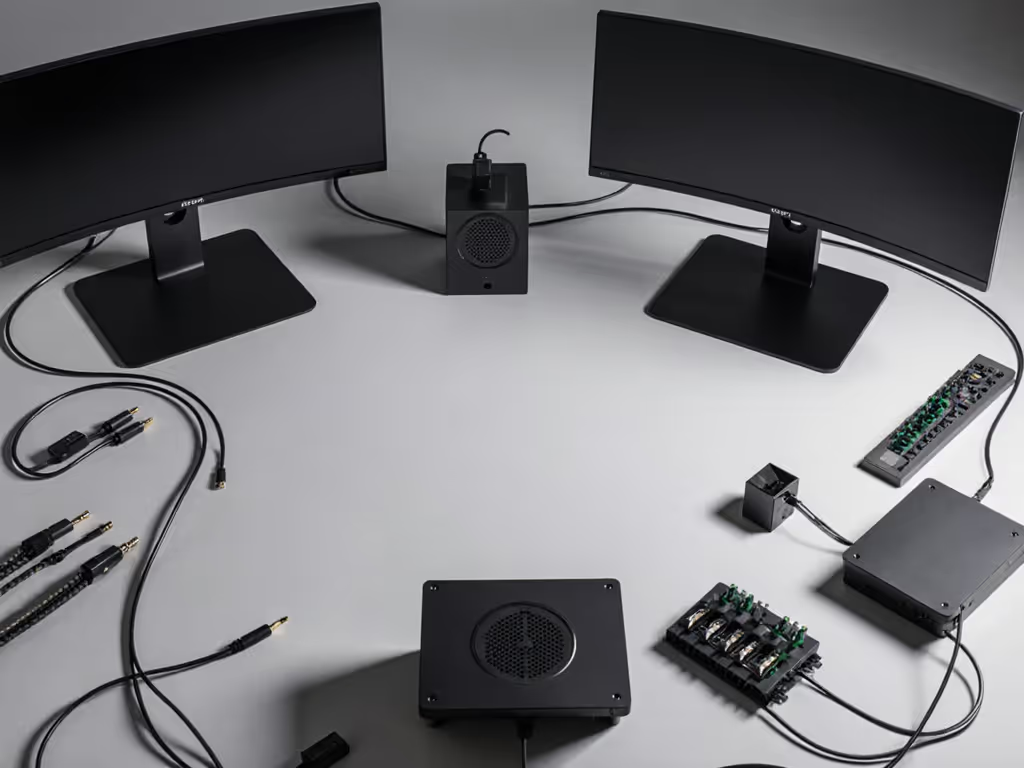
Cable integrity: Use individually-shielded cables (not ribbon bundles). A loose cable running alongside a power brick introduces 50/60 Hz hum into video lines, manifesting as imperceptible flicker. Your eye's flicker fusion threshold is ~60 Hz; below that, flicker causes eye fatigue over 4+ hour sessions. Test this: swap a loose cable for a strain-relieved, shielded one, and note how your end-of-day fatigue shifts.
Viewing environment light: The ambient light temperature and intensity affect your perception of color, contrast, and detail in charts. Daylight (5000-6500 K) streaming across glossy monitors creates glare and reduces contrast perception. Use a monitor hood or blackout curtains if you're performing color-critical analysis (comparing chart bars side-by-side or evaluating heat maps). For intraday trading, stabilize the light at 4000-4500 K and 300-500 lux, consistent day-to-day.
Do Crypto and Stock Traders Need Different Color Spaces?
No, but both need consistency. A monitor's color gamut (typically 95-99% sRGB for business displays) is adequate for both. What matters is reproducibility. Your monitor must render the same chart colors, candlestick indicators, and alert visualizations identically across sessions.
Crypto traders often use custom color schemes (neon greens, reds) on dark backgrounds for high contrast and reduced eye strain at night. Stock traders typically use platform defaults (black/gray backgrounds with white text and red/green candles). Neither approach requires wide color gamut; both demand ICC profile stability and hardware LUT consistency.
If you're color-grading charts or creating custom dashboards (e.g., heat maps of sector volatility), invest 30 minutes in factory calibration records or a budget colorimeter check. Platform glitches or OS updates occasionally reset color profiles; a documented baseline lets you detect and re-apply the profile in seconds.
What About VRR, G-Sync, and Adaptive Sync for Trading?
Unnecessary for traditional trading; potentially useful for crypto. Variable Refresh Rate (VRR) technologies smooth out frame-rate inconsistencies by syncing the monitor's refresh to your GPU's output. This is crucial for gaming but irrelevant for charts that update at fixed intervals (typically 100-500 ms per candle).
If you run a crypto dashboard alongside other workloads (web browsing, chat, system monitoring), adaptive sync can reduce stuttering perception when your GPU is throttled or context-switching. However, avoid VRR if your trading platform or broker's charting engine exhibits flicker or black-screen handshakes through adapters. VRR sometimes interferes with EDID negotiations, forcing you to disable it, adding complexity you don't need.
Stick with standard 60 Hz or 120 Hz fixed refresh rates. Simplicity and predictability outweigh marginal smoothness gains.
How Do I Future-Proof a Trading Monitor Setup?
Choose displays with DP 1.4 (not 1.2), 98+ % sRGB, and VESA compatibility documented to ±5 mm. Avoid proprietary connectors, curved ultrawide monitors (poor for multi-display layouts), or integrated webcams (they break after 18-24 months).
Mount your displays on independent arms or stands with documented height/tilt/swivel ranges. Integrated monitor stands often lack the flexibility needed when you upgrade resolution or add a second display.
Use modular docking. A Thunderbolt 4 or USB 3.2 Gen 2 hub (not integrated into a laptop) lets you swap laptops or GPUs without re-cabling. Power users driving multiple high-res panels should see our tested Thunderbolt docks for dual 4K before choosing a hub.
The setup that survives three years and two job changes is one that treats the mount, the cables, and the light as integrated components, not afterthoughts.
Key Takeaways
A stock market monitor setup prioritizes clarity and ergonomics across 8-10 hours, with 1440p/60 Hz and a two-display layout. A crypto trading monitor setup demands cryptocurrency display stability (120+ Hz, three displays, DP 1.4) because volatility and order-book velocity create higher visual feedback demands. Neither setup requires gaming-grade performance, but both demand mechanical and electrical stability, cable shielding, and environmental light control that many traders overlook until fatigue or a missed signal forces the upgrade.
Your monitor isn't just a display, it's part of your decision-making apparatus. Treat it accordingly.