
Kai Moreno
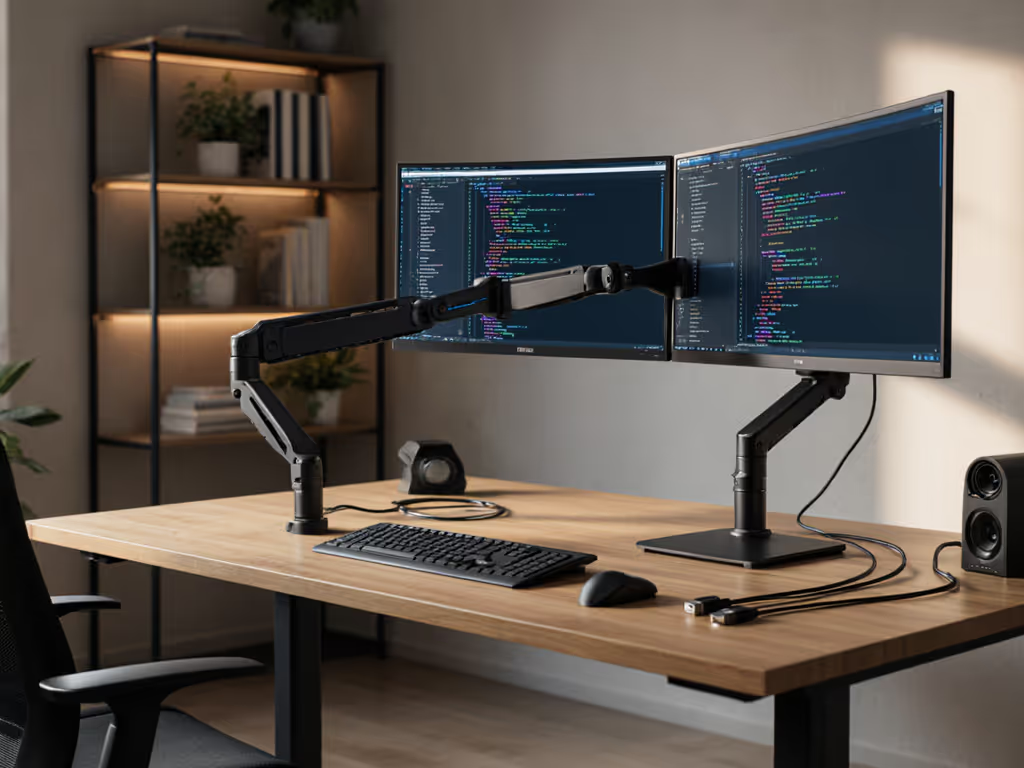
High-refresh and multi-monitor performance stacks; arms, KVMs, docks, cables, VESA loads for ultrawides.
35Articles
7Categories
About
Systems tinkerer turned monitor-accessory reviewer who treats desks like networks. I translate refresh rates, hinge torques, and port protocols into upgrades that simply work.
Core Beliefs
Performance starts with fit. The right mount, cable, and power remove bottlenecks you can’t software your way around.
Background
My turning point was clamping a premium arm to a 49-inch curved panel—only to watch it sag and twist because I ignored weight at full extension and VESA offset. I rebuilt the desk from specs outward: weight maps, torque, clearance. Since then, zero surprises—only measured upgrades.
Perspective
I bias for throughput: stability, bandwidth, and low latency over aesthetics.
Author Articles